
The Unified Guide to Cross-Platform Automation
Modern workflows do not exist in a vacuum. They happen everywhere at once. A user might discover your product on a mobile app, research it on a desktop browser, and finally engage through an email thread. This fragmentation creates a significant challenge: “Siloed Data.”
When your operations are isolated, you lose context. The desktop web version of your service remains unaware of the action a user took on the mobile app. To solve this, businesses must move beyond simple functional testing and embrace Cross-Platform Automation.
This guide explores how to synchronize operations across web, mobile, desktop, and third-party SaaS environments. We will define the architecture required to build a seamless experience and explain why prioritizing platform connectivity is the key to growth.
The Age of the “Fragmented” User
The reality of the digital landscape is that users are everywhere. A single workflow often spans Slack notifications, browser interactions, mobile app usage, and CRM updates. Yet, many businesses still treat these environments as separate islands.
Cross-Platform Automation is the bridge between these islands. It moves beyond the traditional definition of automation, which often focuses on testing individual features, and shifts the focus to integration automation. It ensures that a trigger in Platform A creates a seamless, instant result in Platforms B and C.
This is not just about saving time. It is about preserving the user’s context. When you unify your automation strategy, you stop forcing users to repeat themselves and start anticipating their needs based on their holistic behavior.
The Strategic Pillars of Platform Connectivity

To build a truly unified system, you must view your tech stack as an ecosystem rather than a collection of tools. Three strategic pillars support this approach.
Integration Automation as a “Central Nervous System”
Think of your automation strategy as the central nervous system of your business. It should not merely react to inputs; it should coordinate responses across the entire body of your organization. Integration automation allows data to flow freely between disparate systems, ensuring every tool has the most up-to-date information.
Multi-Tool Sequences
Effective automation rarely involves a single step. It involves multi-tool sequences that carry a process from start to finish. Consider this workflow:
- A lead is captured via a Facebook Ad.
- The data is instantly logged in your CRM.
- This action triggers a personalized EmailSequence tailored to the specific ad content.
In this scenario, the automation is not just moving data; it is orchestrating a customer journey.
System Integration vs. App Silos
Manual data entry and “context switching,” jumping between tabs and apps to complete a task, are productivity killers. System integration eliminates these costs. By connecting your apps, you reduce errors associated with manual transfer and free your team to focus on high-value strategy rather than administrative busywork.
Cross-Platform Automation: A Comparative Framework
To understand the shift required, we must look at how automation has evolved. We are moving from a legacy mindset focused on stability to a modern mindset focused on operational flow.
| Feature | Legacy Automation (Siloed) | Unified Automation (Modern) |
| Primary Goal | Functional Stability (Bugs) | Operational Flow (Growth) |
| Connectivity | Isolated to one platform | System Integration (Multi-platform) |
| Workflow Style | Single-step triggers | Multi-tool sequences |
| Data Handling | Manual exports/syncs | Real-time Platform Connectivity |
| User Experience | Fragmented/Repetitive | Contextual/Seamless |
| Core Technology | Selenium, Appium, Local Scripts | APIs, Webhooks, Cloud Orchestrators |
The “Three-Layer” Architecture for Unified Automation
Implementing unified automation requires a structured architectural approach. You can visualize this framework in three distinct layers.
The Trigger Layer (Event Capture)
This layer is responsible for capturing user intent. Whether the user clicks a button on a website, opens an app on iOS, or fills out a form on Android, the system must detect the event immediately. This is the “listening” phase of automation.
The Logic Layer (Sequence Orchestration)
Once an event is captured, the system must decide what happens next. This is where multi-tool sequences come into play. The logic layer processes the data, applies business rules, and determines the appropriate workflow. For example, if a high-value client logs a support ticket, the logic layer might prioritize it above others.
The Action Layer (Multi-Platform Execution)
Finally, the system executes the decision. This might involve sending a push notification to a mobile device, updating a record in Salesforce, or triggering a payment gateway. The Action Layer delivers the right message or data update to the right device at the exact moment it is needed.
Overcoming the Connectivity Gap
While the benefits are clear, the path to seamless platform connectivity does have challenges.
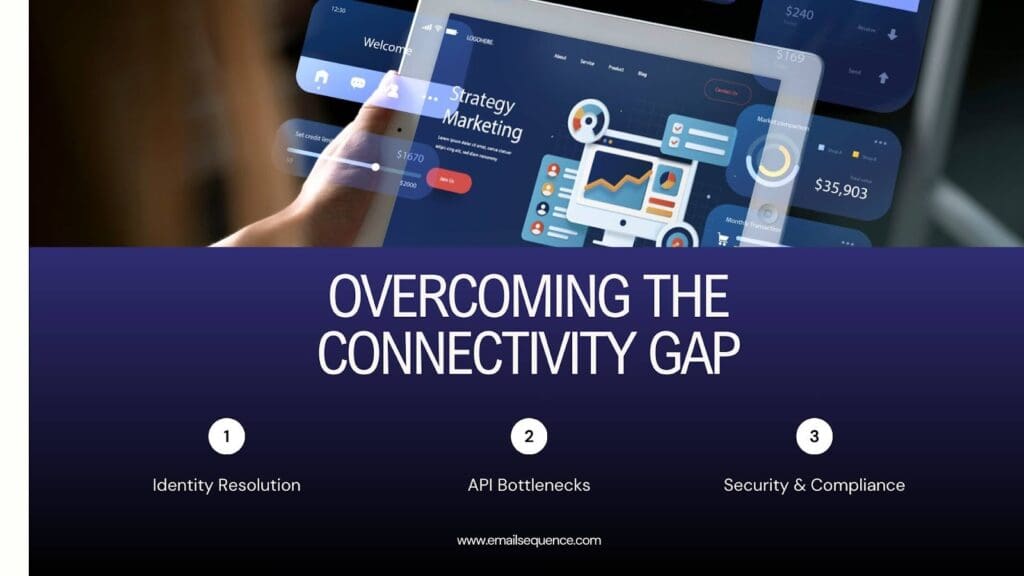
- Identity Resolution: One of the hardest tasks is knowing that “Mobile User A” is the same person as “Desktop User A.” Unified automation systems must use persistent identifiers (like User IDs or emails) rather than relying solely on cookies, which are platform-specific.
- API Bottlenecks: When connecting multiple platforms, you are at the mercy of their API limits. Efficient code and batch processing are essential to avoid hitting rate limits that could stall your workflows.
- Security & Compliance: Managing data flow across platforms introduces complexity regarding data privacy. You must ensure that your automation processes adhere to GDPR, SOC2, and other relevant standards to protect user data as it moves between systems.
Best Practices for Unified Automation
To succeed with Cross-Platform Automation, follow these best practices to ensure stability and scalability.
Start with API-First Tools
When selecting software, prioritize connectivity over features. Tools built with an API-first approach are designed to communicate with other systems. They make system integration far easier than legacy tools that treat data export as an afterthought.
Implement Server-Side Tracking
Browser-based tracking is becoming less reliable due to privacy blockers and cookie restrictions. Server-side tracking creates a direct link between your server and the destination platform (like Facebook or Google Analytics). This bypasses browser limitations and results in cleaner, more accurate data.
Use Idempotency
In complex multi-tool sequences, accidents happen. A network glitch might cause a request to be sent twice. Idempotency ensures that if a cross-platform sequence triggers twice by mistake, the action is only performed once. This prevents issues like double-charging a customer or sending duplicate emails.
Conclusion: Building the “Invisible” Experience
The ultimate goal of Cross-Platform Automation is not to impress the user with technology, but to hide the technology entirely. The best automation is invisible. The user simply feels that the brand “knows” them, regardless of the device they are using.
By prioritizing unified automation, you remove friction from the user experience. You create a cohesive ecosystem where data flows without barriers, and every interaction feels personal and timely.
Are you ready to eliminate data silos and create seamless workflows? Experience the power of unified automation with EmailSequence and transform how your business connects with its audience.
Frequently Asked Question
What is Cross-Platform Automation?
Cross-Platform Automation is the process of synchronizing workflows and data across multiple platforms, such as web, mobile, desktop, and third-party tools, to create seamless and integrated operations.
Why is Cross-Platform Automation important?
It eliminates data silos, reduces manual tasks, and ensures a consistent user experience by connecting systems and automating workflows across different environments.
How does Cross-Platform Automation improve platform connectivity?
By leveraging APIs, webhooks, and cloud orchestrators, it enables real-time data sharing and unified workflows between tools, ensuring smooth integration automation.
What are the challenges of Cross-Platform Automation?
Common challenges include identity resolution, API rate limits, and maintaining security and compliance standards like GDPR while managing data across platforms.
What are the best practices for implementing Cross-Platform Automation?
Use API-first tools, implement server-side tracking for accurate data, and ensure idempotency to prevent duplicate actions in multi-tool sequences.
