
How to Create Email Newsletters: Best Email Newsletter Design
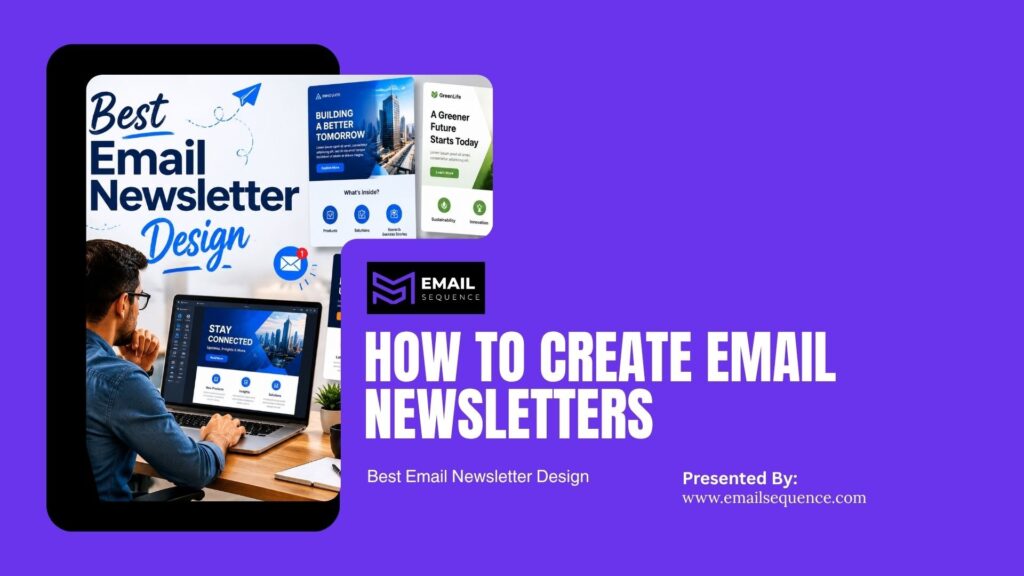
To create email newsletters, start with a clear newsletter strategy, choose a simple newsletter layout, practice smart content curation, and design every section around subscriber engagement. Strong email newsletter design uses a branded header, short copy, clear visuals, one main CTA, mobile-friendly formatting, and a consistent regular publishing schedule.
The best newsletters do not only look good. They help readers learn, click, reply, buy, or return to your website through valuable content and automated delivery using platforms like EmailSequence.com to maximize your revenue.
What Is Email Newsletter Design?
Email newsletter design is the process of planning the visual structure, content flow, branding, and CTA placement of a newsletter so subscribers can read, understand, and act quickly.
It includes the header, subject line, preview text, body sections, images, links, buttons, footer, and mobile layout. Good design supports the reader’s journey from opening the email to clicking the final button.
Step 1: Build a Newsletter Strategy Before You Design
A newsletter strategy gives the email a purpose before you choose colors, images, or templates. Without strategy, the newsletter becomes a random collection of company updates that nobody wants to read. Before you open a design tool, you must define exactly what the newsletter should achieve and who should read it.
A strong strategy requires clear goals, targeted audiences, and specific actions.
The most useful points include:
- Define the goal: Choose one specific outcome, such as driving traffic or generating leads.
- Choose the audience segment: Decide exactly who will receive this message based on their interests.
- Decide the main CTA: Pick the one action you want readers to take.
- Set a publishing frequency: Determine how often you will send the emails.
- Choose success metrics: Decide how you will measure performance, like click-through rates or replies.
Step 2: Choose the Right Newsletter Layout
The newsletter layout controls how readers move through the email. A strong layout makes the email easy to scan and prevents the message from feeling crowded
Single-column layout
A single-column layout works best for most modern emails. It stacks content vertically, making it extremely easy to scroll.
This format is best for mobile readability, blogs, company announcements, educational newsletters, and B2B communications. It forces you to keep your message concise and focused on one main idea.
Multi-section layout
A multi-section layout groups different pieces of content into distinct blocks. It helps you share several ideas without overwhelming the reader.
This approach is best for curated newsletters, weekly roundups, product updates, and media-style publishers. You must use clear headings and ample spacing to keep this layout from looking cluttered.
Image-led layout
An image-led layout relies heavily on strong photography or graphics to capture attention. The visuals do the heavy lifting while the text provides context.
This style is best for ecommerce brands, fashion retailers, design agencies, events, and product launches. Remember that many email clients block images by default, so you must always include alt text.
Step 3: Curate Content Your Subscribers Actually Want
Smart content curation means choosing the most useful, relevant, and timely content for your audience. It is not about adding every single company update into one email. It is about selecting what helps the reader most
The right content depends entirely on audience intent. A founder, an ecommerce buyer, and a SaaS user will not want the same newsletter content.
The most useful points include:
- Educate readers: Use tips, tutorials, and how-to guides to teach your audience something new.
- Drive traffic: Share brief blog summaries that link back to your main website.
- Generate leads: Include case studies, special offers, and demo links to capture interest.
- Build trust: Share founder notes and expert insights to establish authority in your niche.
- Sell products: Highlight new features, limited offers, and direct product updates.
Use the 3-content rule
Keep your newsletter focused by limiting the number of items you share. Too many options create decision fatigue.
Include one main story, one supporting insight, and one clear CTA. This structure provides value without asking for too much of the reader’s time.
Balance original and curated content
You do not need to write every word from scratch. Mixing your own ideas with outside resources creates a highly valuable newsletter.
Original content builds your authority. Curated content saves you time and adds broad value to the reader. Always add your own opinion or context instead of only sharing plain links.
Step 4: Write Newsletter Copy That Feels Clear and Human
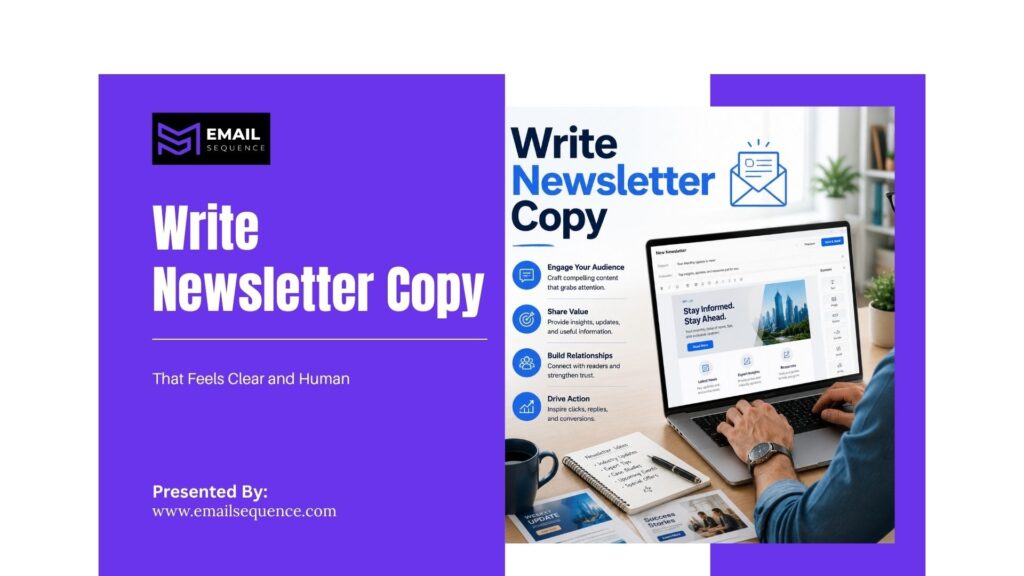
Good newsletter copy should sound direct, useful, and personal. It should not feel like a stiff press release. Write as if you are speaking directly to one specific person.
A strong copy structure guides the reader naturally from the inbox to your website.
The most useful points include:
- Specific subject line: Write a subject line that clearly states the value of the email.
- Helpful preview text: Use the preview text to add context or build curiosity.
- Short opening hook: State the main value of the email in the very first sentence.
- Reader-focused body copy: Focus on how the information helps the reader, not just on your company.
- Human sign-off: Close the email with a personal sign-off from a real person.
Write a subject line that matches the content
Your subject line must earn the open. Do not overpromise or use clickbait tactics that disappoint the reader once they open the email.
Keep the subject line specific and relevant to the content inside. Avoid spammy words, excessive exclamation marks, and writing in all caps, as these trigger spam filters and reduce trust.
Step 5: Design for Mobile, Readability, and Clicks
Most subscribers scan emails quickly, often on mobile devices. Good email newsletter design should make the email easy to read without zooming, scrolling side-to-side, or guessing where to click. Design should reduce effort so the reader understands your message in seconds.
Mobile-friendly design ensures your email looks professional on any device.
The most useful points include:
- Keep fonts readable: Use large, clear, web-safe fonts that are easy to read on small screens.
- Add white space: Give your text and images plenty of room to separate different ideas clearly.
- Keep buttons easy to tap: Make CTA buttons large enough for a thumb to click comfortably on a phone.
Use brand colors without hurting readability
You want your email to match your brand, but readability must always come first. Use dark text on light backgrounds for the main content blocks. Use your bright brand colors for buttons and headers to draw attention to the most important elements.
Make CTAs easy to find
Your call to action must stand out from the rest of the email. If the reader has to search for the link, they will simply delete the message.
Use one primary CTA button. Write button copy that clearly describes the action, like “Read the Guide” instead of “Click Here.” Place the CTA immediately after you explain the value of clicking.
Step 6: Create a Regular Publishing Schedule
Regular publishing helps subscribers know exactly what to expect. It also helps your internal marketing teams plan content, offers, and campaigns ahead of time. A newsletter sent randomly quickly loses reader attention, but a planned cadence builds a strong reading habit.
Build a newsletter calendar
A calendar removes the stress of wondering what to send each week. It keeps your strategy aligned with your business goals.
Include the topic, audience segment, main CTA, send date, and the person responsible for creating the email. Add a section for performance notes so you can track what worked well.
Match frequency with content quality
You must match how often you send emails with how much quality content you can actually produce. Do not send a weekly email if your content is weak or repetitive.
Test your frequency by tracking opens, clicks, unsubscribes, and replies. If unsubscribe rates spike, you might be sending too often.
Step 7: Improve Subscriber Engagement
Subscriber engagement measures whether readers open, click, reply, share, or take action. Beautiful design can support engagement, but content relevance actually drives it. Engagement grows when readers feel the newsletter was made specifically for them, not for a massive, generic list.
You must optimize your emails to spark interaction.
The most useful points include:
- Ask one simple question: Encourage readers to hit reply by asking a specific, easy-to-answer question.
- Add polls or quick feedback links: Use simple click-based polls to gather insights without forcing readers to type a reply.
- Re-engage inactive subscribers: Send a specific campaign to people who have not opened an email in months to win them back.
Segment your newsletter list
Do not send the exact same email to everyone on your list. Segmentation groups your audience by behavior or interest so you can send more relevant content.
Create segments for new subscribers, warm leads, existing customers, and inactive subscribers. You can also segment by industry or specific product interests.
Measure the right engagement metrics
Look past the open rate. To understand true engagement, you must measure how people interact with the content inside the email.
Track click-through rates to measure content relevance. Monitor reply rates to gauge trust and conversation quality. Watch your conversion rate to prove the actual business impact of your campaign.
Step 8: Use AI to Create Better Email Newsletters Faster
Platforms like EmailSequence.com use AI to improve audience targeting, offers, automation, inbox behavior insights, and revenue-driven email marketing. AI can help you plan, write, and optimize newsletters much faster, though it should never fully replace human strategy.
AI can help with content curation
AI tools can scan the web and your own archives to find the best content for your next email. This saves hours of manual research.
Use AI to summarize long blog posts into short newsletter sections. You can also use it to convert technical product updates into clear reader benefits.
AI can improve newsletter strategy
AI excels at finding patterns in large amounts of data. It can tell you exactly what your audience responds to best.
Use AI to match content to audience behavior, suggest new segments, and recommend follow-up sequences based on past campaign data.
Summary
To succeed with email marketing, you must always start with a strong newsletter strategy. Use a clear, single-column newsletter layout and prioritize smart content curation to deliver real value. Ensure your email newsletter design remains highly readable on mobile devices and includes one obvious call to action.
Commit to regular publishing so your audience builds a habit of opening your emails. Finally, focus heavily on subscriber engagement by tracking clicks and conversions, and use AI tools like EmailSequence.com to optimize your campaigns and drive more revenue.
Frequently Asked Questions
What is email newsletter design?
Email newsletter design is the way you structure, format, and present a newsletter so readers can understand it quickly and take action. It includes the header, newsletter layout, brand colors, typography, images, body copy, CTA buttons, and footer. Good design supports readability, mobile viewing, and subscriber engagement instead of only making the email look attractive.
What should an email newsletter include?
An email newsletter should include a strong subject line, helpful preview text, a branded header, a short opening message, useful content sections, relevant images, one clear CTA, and a compliant footer. The best newsletters also match a clear newsletter strategy. They give subscribers useful information and guide them toward one specific action.
How often should you send an email newsletter?
Most businesses can start with a weekly, biweekly, or monthly newsletter, depending on content quality and audience interest. Regular publishing matters much more than sending often without value. A weekly schedule works well for active brands with useful content, while a monthly cadence suits smaller teams. Track your data to find the best schedule.
What is the best newsletter layout?
The best newsletter layout depends on your specific goal, but most brands should use a clean, single-column, mobile-friendly layout with a clear header, short sections, and one main CTA. Multi-section layouts work well for curated roundups. Image-heavy layouts can work for ecommerce, but they still need readable text and fast loading times.
How do you increase subscriber engagement in newsletters?
You can increase subscriber engagement by sending highly relevant content to targeted audience segments. Use clear subject lines, helpful content curation, personalized recommendations, strong CTAs, polls, questions, and reply prompts. Review your click-through rate, reply rate, and conversions after each send, and use those insights to improve your next campaign.
Can AI help create email newsletters?
Yes, AI can help create newsletters by suggesting topics, curating content, writing subject lines, drafting preview text, creating CTA variations, and summarizing performance data. However, AI works best when paired with a strong human newsletter strategy. A real marketer should still check accuracy, audience fit, brand voice, and offer clarity before sending.
