GIFs in Emails: How to Use Them in Email Marketing
GIFs in emails can strengthen email marketing when they explain a product, highlight an offer, or guide reader attention. Strong animated content should support one message—not distract from the CTA. Smart GIF optimization keeps file size low, protects loading speed, and improves mobile experience.
Use motion graphics for product demos, countdowns, feature reveals, and onboarding steps. The real engagement boost comes from animation that adds meaning and still works as a static first frame. Visual storytelling lands hardest when the GIF makes sense with or without motion.
What Are GIFs in Email Marketing?
GIFs in email marketing are animated image files embedded inside an email campaign. They loop short sequences of motion to demonstrate a product, reveal steps, highlight a CTA, or create a more visual reading experience.
Unlike videos, GIFs in emails don’t require external hosting or a linked thumbnail. They embed directly into the email body and behave like images—except they move.
How Do GIFs Differ From Static Images and Videos in Email?
Understanding the differences helps marketers choose the right format for each campaign.
Each format has a specific role, and choosing the wrong one wastes both budget and subscriber attention. Static images are fast and reliable. Videos are powerful but technically limited. GIFs sit in the middle—offering motion without the complexity of video hosting.
- Static images: Show one moment. Fast to load. No motion. Best for simple offers or product shots.
- GIFs: Show short looping motion. Easier to embed than video. Behave like images with alt text and optimization requirements.
- Videos: Require external hosting or linked thumbnails. According to Litmus, native video support in email remains limited, which is why many marketers use animated content as a video-like alternative.
- Motion graphics: Short, designed animations that communicate brand personality or product steps without relying on live footage.
When Do GIFs Make Emails Better?
GIFs work best when they add clarity, not decoration. Motion should help the reader understand something faster than text or a static image could on its own.
Before using GIFs in emails, ask yourself: does this animation make the message clearer, or does it just make the email look busier?
What Are the Best Use Cases for GIFs in Email Campaigns?
The following use cases consistently produce results across ecommerce, SaaS, and newsletter campaigns. Each one uses motion to solve a specific communication problem—not to fill visual space.
- Product demos: Show how a product works in three to five seconds without requiring a click to a video.
- Before-and-after reveals: Display the transformation clearly—before state on frame one, after state on frame two.
- Feature highlights: Animate a single feature rather than showing the entire interface.
- App walkthroughs: Guide users through a dashboard flow with focused, step-by-step motion.
- Ecommerce product rotation: Show multiple product angles or color options in one GIF.
- Sale announcement: Use a short animated banner to draw attention to a time-limited offer.
- Event promotion: Reveal speakers, agenda items, or event details through sequential frames.
- Onboarding steps: Walk new users through setup steps with numbered motion graphics.
When Can a GIF Hurt Your Email?
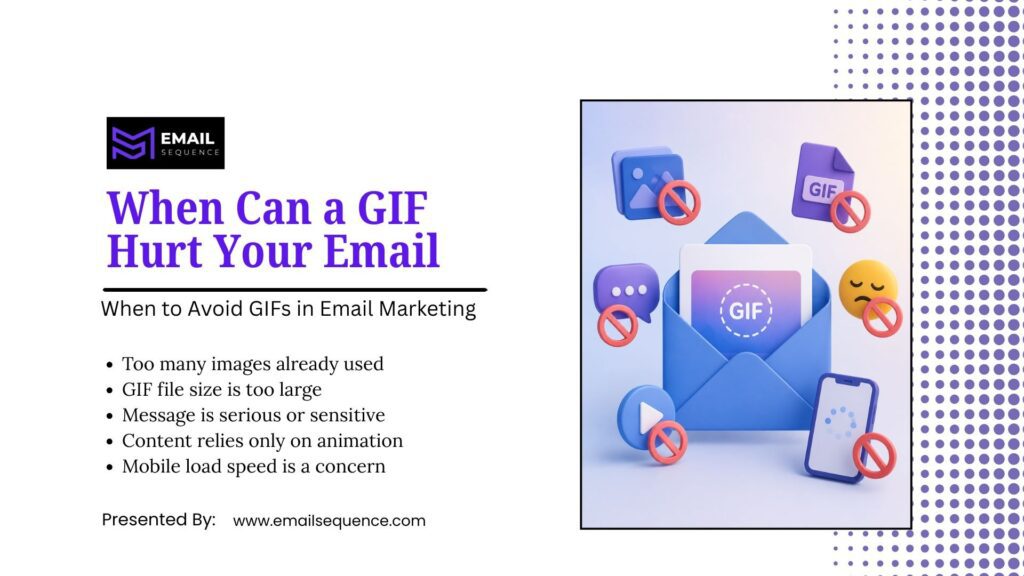
GIFs are not the right choice for every email. Some messages need speed, clarity, or seriousness more than motion. Using GIFs in emails where they don’t fit creates friction instead of removing it.
When Should You Avoid GIFs in Email Marketing?
Before adding a GIF, check these conditions. If any of them apply to your campaign, a static design will likely perform better.
- The email already carries many images: Additional animation increases load time and visual noise.
- The GIF file is too large: Heavy files slow the email, especially on mobile connections.
- The message is serious or sensitive: Transactional emails involving account issues, payment problems, or personal data require a calm, clear format.
- The email depends entirely on motion: Important information must always appear in live HTML text, not only inside a GIF.
What Are the Best Email Campaign Types for GIFs?
Some campaign types benefit from motion more than others. The key is to match your use of GIFs in emails to your campaign’s goal, rather than applying animation broadly.
How Should Ecommerce Emails Use GIFs?
Ecommerce emails benefit from visual storytelling because subscribers often need to see the product before they feel confident enough to click. Motion reduces that friction.
- Show product angles and 360-degree views in a single compact space.
- Display multiple color options without requiring additional images.
- Highlight new arrivals with a short animated banner.
- Animate a sale offer to draw the eye toward the discount.
- Preview a bundle by cycling through the included items.
- Show a quick product use case to demonstrate value before the click.
How Should SaaS and App Emails Use GIFs?
SaaS emails often need to explain abstract software features quickly. Motion graphics reduce the cognitive effort of understanding a new workflow.
- Animate a feature walkthrough to show exactly where to click.
- Preview a dashboard to familiarize users before they log in.
- Show onboarding steps sequentially to reduce setup confusion.
- Demonstrate an automation flow to highlight time savings.
- Display a before-and-after workflow comparison to reinforce the product’s value.
Smart Ways to Use Motion in Email: A Strategy Table
The table below will help you choose the right approach for using GIFs in emails, connecting campaign goals to specific use cases, red flags, and expert recommendations.
| Email Goal | Best GIF Use | Example Idea | What to Avoid | Expert Recommendation |
| Product education | Show how it works | 3-step product demo | Long tutorial animation | Keep motion short and focused on one feature |
| Ecommerce sales | Highlight product value | Rotating product colors | Showing too many products at once | Link directly to the product page |
| SaaS onboarding | Guide user action | Dashboard walkthrough | Tiny, unreadable UI details | Use large, clearly visible steps |
| Event promotion | Build attention | Speaker or agenda reveal | Flashing or strobing countdowns | Keep animation smooth and loopable |
| Newsletter engagement | Add personality | Small branded motion graphic | Overloading the email with GIFs | Use one strong visual per email |
| CTA support | Guide the eye | Arrow or directional reveal near CTA | Distracting movement around the button | Keep the CTA itself readable without the GIF |
How to Design GIFs That Support the Message
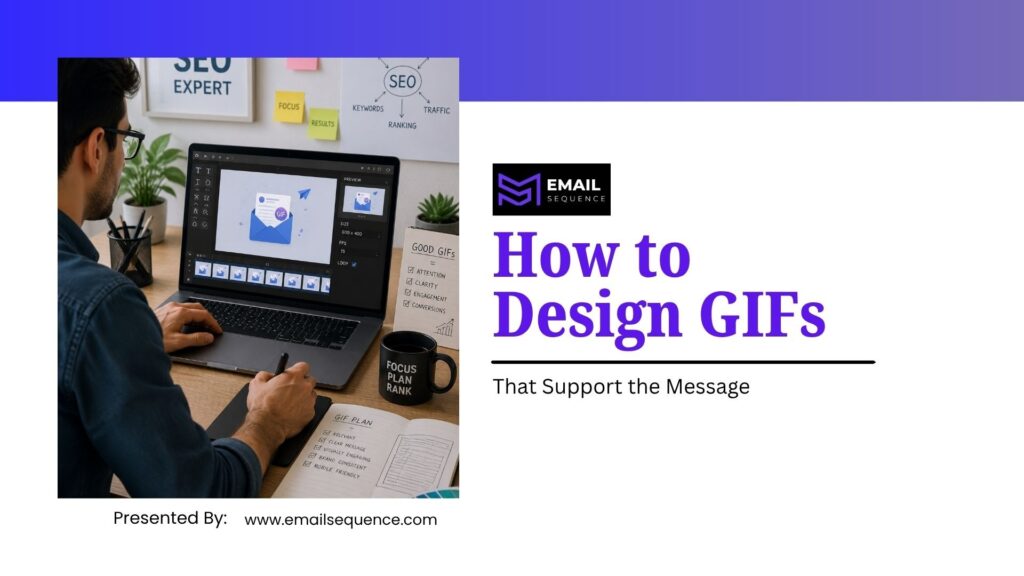
Good GIFs start with strategy, not software. The design process should begin with a clear understanding of what the animation needs to communicate and where in the email it will appear.
A GIF that looks polished but confuses the reader still fails. The goal is motion that makes the message faster and easier to understand—not motion that impresses at first glance but distracts on second look.
What Are the Core Design Rules for Email GIFs?
These rules apply across every campaign type. Following them consistently reduces design errors and improves the likelihood that the GIF supports conversion rather than undermining it.
- One clear idea: Each GIF should communicate a single concept to avoid visual noise. Keep the animation short (3-8 seconds) and place it near the copy it supports.
- First frame first: The first frame must convey the core message, as some email clients only display this static image.
- Readability is key: Avoid small, moving text. The call-to-action (CTA) should be a separate, static element, not part of the GIF.
- Don’t hide essential info: Any critical information must also be present as live HTML text, ensuring the email makes sense even if the GIF doesn’t load.
- Stay on brand and limit looping: Ensure the GIF’s style matches your brand identity and limit loops to avoid irritating the reader.
How to Optimize GIFs for Faster Email Loading
GIF optimization is one of the most overlooked parts of email design. GIFs grow heavy because every frame adds file weight. A full-width, multi-frame animation can easily reach 2MB or more—enough to significantly slow loading on mobile connections.
What Are the Most Effective GIF Optimization Tips for Email?
Fade transitions create larger GIF files because they require more frames and more color variation per frame. Simpler cuts between states keep file size lower without sacrificing visual clarity.
Apply these optimization steps before uploading any GIF to an email campaign:
- Shorten the animation: Fewer seconds means fewer frames, which directly reduces file size.
- Use simple cuts instead of long fades: Clean transitions keep frame counts low and file sizes manageable.
- Reduce dimensions to email display size: Do not upload a GIF larger than it will actually appear in the email.
- Limit colors where possible: Fewer colors reduce the data load per frame.
- Compress before uploading: Use a dedicated compression tool rather than relying on the email platform to handle optimization.
Where Should You Place GIFs in an Email?
Placement determines whether a GIF helps or distracts. The same animation can improve click rates in one position and reduce them in another.
Effective placement connects the motion directly to the surrounding copy. The GIF should reinforce the message that immediately precedes or follows it—not sit as a decorative element disconnected from the offer.
What Are the Best GIF Placement Options in an Email?
These positions consistently support message clarity and guide reader attention toward the CTA:
- Hero section: Use a product reveal or brand animation at the top to establish the email’s visual theme immediately.
- Middle section: Place a feature demo or step-by-step walkthrough after the introductory copy and before the CTA.
- Near the CTA: Use a directional arrow or reveal animation to draw the eye toward the button.
- Product grid: Include small motion previews within individual product cards to differentiate items.
- Onboarding email body: Use numbered step animations to walk new users through setup sequentially.
- Newsletter highlight section: Add a single branded motion element near the main story to reinforce visual identity.
What GIF Placement Mistakes Hurt Email Performance?
Poor placement consistently reduces click rates and increases friction. Avoid these errors:
- Too many GIFs in one email: Multiple animations compete for attention and slow the email significantly.
- GIF before the value is established: Animation before context confuses readers who have not yet understood the offer.
- Motion in the footer: Footer GIFs rarely contribute to conversion and add unnecessary file weight.
- CTA hidden inside the animation: Subscribers who see only the first frame—or skip the loop—will miss the call-to-action entirely.
How EmailSequence.com Supports GIF-Driven Email Campaigns
EmailSequence.com works with brands that want to build smarter email campaigns—including those that use animated content to demonstrate products, guide onboarding steps, and drive ecommerce conversions.
The platform supports the full range of email campaign needs where GIFs in emails play a strategic role:
- Strategy & Design: We’ll help you plan when and how to use GIFs in your email sequences, incorporating motion graphics at just the right moments.
- Storytelling & Onboarding: Use animation to tell a compelling product story or guide new users through your SaaS platform.
- Automation & Workflows: Set up triggered campaigns that deliver the right animated content at each stage of the customer journey.
- Optimization: We’ll refine your templates so GIFs load faster, display correctly, and support your conversion goals.
- Testing & Tracking: A/B test your GIFs against static images and monitor key metrics to connect animation to real business outcomes.
Summary
GIFs in emails work best when motion explains, demonstrates, or highlights one clear idea. Animated content should support the email goal, not distract from it.
Strong GIF optimization helps protect loading speed and mobile experience. Motion graphics should stay accessible, slow, smooth, and easy to understand. A real engagement boost comes from useful animation, not decoration.
Visual storytelling works best when the GIF still makes sense as a static first frame. Always test GIFs before sending and compare results against a static image version.
Frequently Asked Questions
Are GIFs in emails good for marketing?
Yes, GIFs in emails can help email marketing when they explain a product, highlight an offer, or guide attention toward a clear CTA. They work best when optimized, accessible, and connected to one message. GIFs can hurt performance if they slow loading, distract readers, or replace important live text.
Do GIFs work in all email clients?
Many modern email clients support animated GIFs, but support can vary. Some versions of Outlook may show only the first frame instead of the full animation. Marketers should design a strong first frame, add useful alt text, and test Gmail, Outlook, Apple Mail, and mobile inboxes before sending.
How do I optimize GIFs for email?
Optimize GIFs by reducing file size, shortening animation length, limiting frames, resizing dimensions, compressing before upload, avoiding long fades, and testing mobile load speed. Use a static image when motion adds no real value. The goal is to keep the animation clear without making the email heavy.
Can GIFs improve email engagement?
GIFs can improve engagement when they make the message clearer, more useful, or more interesting. They can show product movement, feature steps, or visual transformation. They may hurt engagement if they slow loading, distract from the CTA, hide important text, or feel unrelated to the email goal.
When should I avoid GIFs in email marketing?
Avoid GIFs in serious transactional emails, image-heavy campaigns, sensitive topics, and emails where motion adds no real value. Also avoid them when the GIF file is too large, the first frame is weak, the CTA is unclear, or the campaign targets inboxes where animation may not play reliably.